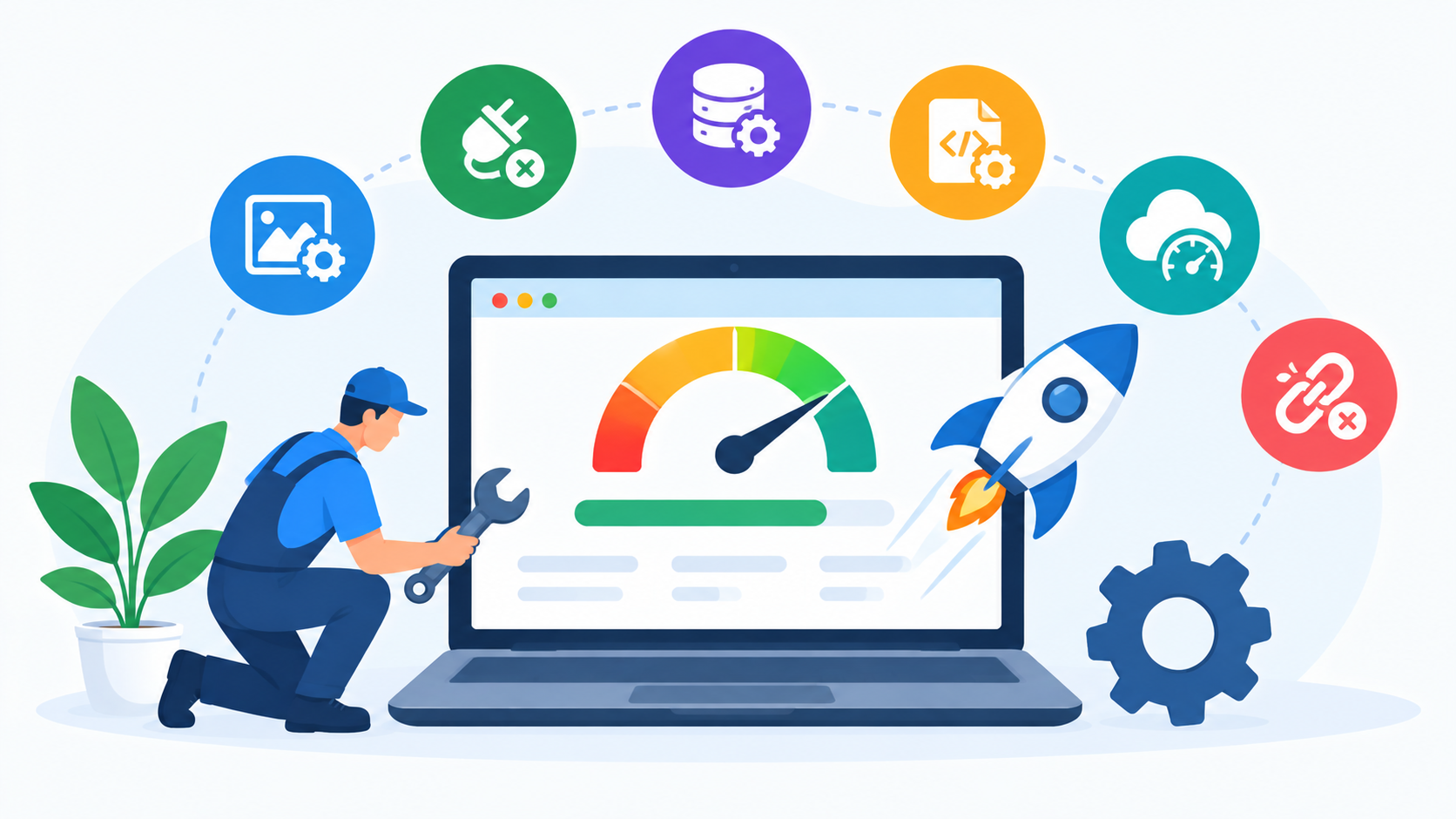
Quick Answer: Regular website maintenance can help improve website speed by identifying and fixing issues such as large images, outdated plugins, unnecessary scripts, database buildup, poor caching, and hosting limitations. Performance should be monitored regularly rather than checked only when visitors complain about slow pages.
A consistent maintenance process helps businesses keep their websites faster, more stable, and easier for visitors to use.
Why Does Website Speed Matter for a Business Website?
Website speed directly affects the experience visitors have when browsing a website. A slow page can make it harder for users to find information, complete forms, view products, or move through important pages.
For businesses, this can become a practical problem when visitors leave before completing an enquiry or purchase. A slow website can also make the overall online experience feel less reliable.
Website speed is therefore not only a technical issue. It can influence usability, customer experience, conversions, and the effectiveness of a business website.
How Regular Website Maintenance Helps Improve Speed
Website performance can gradually change because websites are constantly being modified. New pages are published, images are uploaded, plugins are installed, tracking scripts are added, and databases grow.
Regular maintenance creates opportunities to review these changes and identify elements that may be affecting performance.
Instead of waiting until a website becomes noticeably slow, businesses can include performance checks in their ongoing maintenance schedule.
1. Optimize Large Images
Large and unoptimized images are a common cause of slow-loading pages.
Business websites often use high-resolution images for banners, product pages, portfolios, blog posts, and other sections. While high-quality visuals are useful, unnecessarily large image files can increase page weight.
Regular maintenance should include reviewing important images and optimizing their dimensions and file sizes without unnecessarily reducing visual quality.
Businesses should also avoid uploading images that are significantly larger than the size in which they are displayed.
2. Remove Unnecessary Plugins
Websites using content management systems may accumulate plugins over time.
A plugin may be installed for a specific requirement and later become unnecessary. Keeping unused plugins active can add unnecessary code and increase maintenance requirements.
As part of regular maintenance, businesses should review installed plugins and determine whether each one is still needed.
Unused plugins should be removed carefully after confirming that they are not supporting another website function.
3. Keep Plugins and Themes Updated
Outdated plugins and themes can create compatibility and performance problems.
Developers release updates to fix bugs, improve functionality, address security issues, and maintain compatibility with newer versions of the platform.
Regularly reviewing and updating website components can help keep the website technically healthier.
However, updates should be handled carefully. Businesses should maintain backups and test important functionality after significant updates.
4. Review Website Scripts
Third-party scripts can provide useful features such as analytics, chat, advertising, tracking, forms, and other integrations.
However, adding too many scripts can increase the amount of work a browser has to perform before a page becomes fully interactive.
Regular maintenance should include reviewing scripts and identifying those that are outdated, unnecessary, duplicated, or no longer used.
Removing unnecessary scripts can help reduce page complexity.
5. Improve Website Caching
Caching can help reduce the amount of work required to generate and deliver frequently accessed website content.
Depending on the website platform and hosting environment, caching may be handled through server configuration, plugins, a content delivery network, or other technologies.
Businesses should periodically review whether caching is configured correctly and whether recent website changes are being delivered properly.
Poorly configured caching can sometimes create problems such as outdated content being displayed, so performance improvements should always be tested.
6. Monitor Database Performance
Websites that use databases can accumulate unnecessary data over time.
For example, a WordPress website may store revisions, spam comments, temporary data, plugin information, and other database records.
Regular maintenance can include reviewing database health and removing unnecessary data where appropriate.
Database optimization should be performed carefully, particularly on websites with important customer, order, or business information.
7. Check Hosting Performance
Website speed is not always caused by the website itself.
Hosting resources, server configuration, traffic levels, and server response time can also influence performance.
If a website remains slow despite reasonable optimization, businesses should investigate whether the hosting environment is appropriate for the website's requirements.
As part of a Website Maintenance Plan for Business, hosting performance can be monitored to identify whether additional resources or configuration changes may be required.
8. Fix Broken Links and Redirect Problems
Broken links and poorly managed redirects can create unnecessary problems for both visitors and website systems.
Regular maintenance should include checking important internal links and reviewing redirects when pages or URLs are changed.
If a page has permanently moved, the appropriate redirect should be used rather than allowing visitors to reach an error page.
Keeping the website structure clean can contribute to a better overall user experience.
9. Reduce Unnecessary Page Elements
Some business websites contain more visual or functional elements than they actually need.
Large sliders, excessive animations, unnecessary widgets, embedded media, and other elements can increase page complexity.
During regular maintenance, businesses can review whether each element is genuinely contributing to the user experience.
Removing unnecessary elements can make pages simpler while potentially improving loading performance.
10. Monitor Mobile Website Speed
A website that loads reasonably quickly on a desktop connection may provide a different experience on mobile devices.
Mobile users may have slower or less stable connections, making page weight and loading efficiency particularly important.
Regular maintenance should include reviewing important pages on mobile devices and identifying issues affecting mobile performance.
Pay particular attention to large images, navigation, forms, pop-ups, and interactive elements.
Website Speed and Security Maintenance
Performance and security should not be treated as completely separate maintenance activities.
Outdated software can create security concerns as well as compatibility or performance issues. At the same time, some performance changes can affect security configurations or website functionality.
This is why a comprehensive maintenance process should consider security, performance, backups, updates, and functionality together.
As discussed in the previous blog, Website Maintenance for Security is an important part of maintaining a reliable business website.
Website Speed and the Website Maintenance Checklist
A website maintenance checklist can make performance monitoring easier.
Businesses can include tasks such as:
- Check page-loading performance
- Review image sizes
- Remove unnecessary plugins
- Update themes and plugins
- Review third-party scripts
- Monitor hosting performance
- Check caching
- Review database health
- Test mobile performance
- Fix broken links
- Review redirects
These tasks can be organized into weekly, monthly, and quarterly maintenance activities depending on the website.
How Often Should Website Speed Be Checked?
There is no single schedule that applies to every website.
A small business website with limited changes may need a monthly performance review, while an eCommerce website with frequent product updates may benefit from more frequent monitoring.
Websites receiving high traffic or making frequent technical changes should also be monitored more closely.
The important point is consistency. Performance should be checked regularly rather than only after visitors begin reporting problems.
Common Website Maintenance Problems That Affect Speed
Several problems discussed in previous topics can eventually affect website performance.
These include outdated plugins, excessive plugins, large images, unnecessary scripts, database growth, poor hosting performance, broken links, and outdated website components.
These issues are among the Common Website Maintenance Problems businesses should monitor as part of their ongoing maintenance process.
Early detection can make performance optimization easier and reduce the likelihood of larger technical problems developing.
Can Website Maintenance Improve SEO?
Website maintenance can support the technical health of a website, which can also benefit the overall search experience.
A website with unnecessary technical problems, slow pages, broken links, or poor mobile usability can create difficulties for both users and search engines.
However, maintenance should not be considered a replacement for a complete SEO strategy.
SEO involves broader activities such as keyword research, content creation, search intent optimization, authority building, and ongoing search-performance analysis.
Website maintenance provides the technical foundation that supports these activities.
When Should You Consider More Than Website Maintenance?
Regular maintenance can address many performance problems, but it cannot solve every issue.
If a website uses outdated technology, has serious architectural limitations, contains excessive custom code, or has major usability problems, larger technical improvements may be required.
In some situations, a website redesign or redevelopment may be more appropriate than repeatedly fixing individual problems.
This is why businesses should understand the difference between Website Maintenance vs Website Redesign before deciding how to address long-term website performance issues.
How Professional Website Maintenance Services Can Help
Website speed optimization can require technical knowledge, particularly when the problem involves code, databases, hosting, caching, or third-party integrations.
Professional Website Maintenance Services can help businesses monitor website performance and identify technical issues that may affect speed.
Depending on the maintenance plan, services may include updates, performance monitoring, image optimization, troubleshooting, broken-link fixes, technical support, and other ongoing maintenance tasks.
When comparing Website Maintenance Packages India, businesses should check whether performance monitoring and technical troubleshooting are included.
Conclusion
Website speed should be treated as an ongoing maintenance responsibility rather than a one-time optimization task. As websites grow, new content, images, plugins, scripts, and integrations can gradually affect performance.
Regular maintenance provides an opportunity to monitor these changes and address issues before they significantly affect visitors. Image optimization, plugin management, script reviews, caching, database maintenance, hosting checks, and mobile performance monitoring can all contribute to a healthier website.
A structured website maintenance checklist can make these tasks easier to organize. The exact frequency should depend on the website's size, traffic, technology, and business importance.
It is also important to understand that maintenance has limits. If a website has deeper structural or technological problems, larger improvements or a redesign may eventually be required.
For businesses that want consistent technical monitoring without managing every task internally, professional Website Maintenance Services can provide ongoing support for website performance, security, updates, and functionality.
Want to improve your website speed and keep your business website performing reliably? Contact Us today to discuss your website maintenance requirements and get in touch with our team.
For businesses looking for professional SEO and digital marketing support, RankON Technologies is an experienced agency offering services such as SEO, Google Ads, social media marketing, website development, and content marketing. You can also explore its TopDevelopers profile to learn more about the company's services and experience.
Frequently Asked Questions
Can regular website maintenance improve website speed?
Yes. Regular maintenance can identify and address issues such as large images, unnecessary plugins, outdated scripts, database buildup, caching problems, and hosting-related performance issues.
What commonly makes a website slow?
Common causes include large images, excessive plugins, unnecessary scripts, poor caching, database growth, slow hosting, unoptimized code, and third-party integrations.
How often should website speed be checked?
The frequency depends on the website. Monthly checks may be suitable for some small websites, while eCommerce and high-traffic websites may require more frequent monitoring.
Does website maintenance improve SEO?
Maintenance can help address technical issues that affect website usability and technical health, but it does not replace a complete SEO strategy.
Can plugins affect website speed?
Yes. Some plugins can add scripts, database operations, or other processes that affect performance. Regularly reviewing and removing unnecessary plugins can help keep a website more efficient.
Does hosting affect website speed?
Yes. Server resources, hosting configuration, traffic levels, and server response time can all influence website performance.
When should a business consider redesigning its website?
A redesign may be worth considering when performance problems are connected to outdated technology, major structural limitations, poor usability, or a website architecture that can no longer support business requirements.

 Arabic
 French
 Spanish
 Portuguese
 Deutsch
 Turkish
 Dutch
Dutch
 Italiano
 Russian
 Romaian
 Portuguese (Brazil)
 Greek
Greek